Code Scanner
Scan QR codes and barcodes. Collect, count and share your results.
- iPhone
- iPad
Scan QR codes and barcodes. Collect, count and share your results.
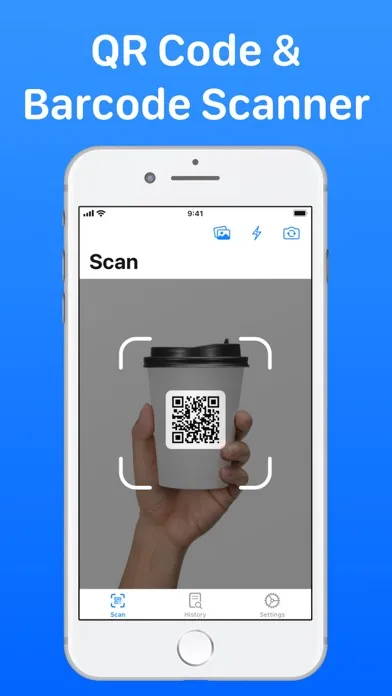
Read QR codes and more than 20 barcode formats. Use the front or rear camera and torch, or import a photo to find multiple codes in one image.
Collect each code once in Unique mode, or count repeated scans in Quantities mode. Review your batch, adjust quantities and give it a name.
Turn stocktakes and asset-label scans into useful lists. Export batches as CSV with code values, types, scan times and quantities, or share a plain-text list.
Save, search and filter your scan history. Reopen earlier results, check their code type and scan date, and export history as CSV, plain text or a text file.
Open a website, join Wi-Fi, add a contact or open a location in Maps from a supported code. Choose automatic copying or link opening in Settings.
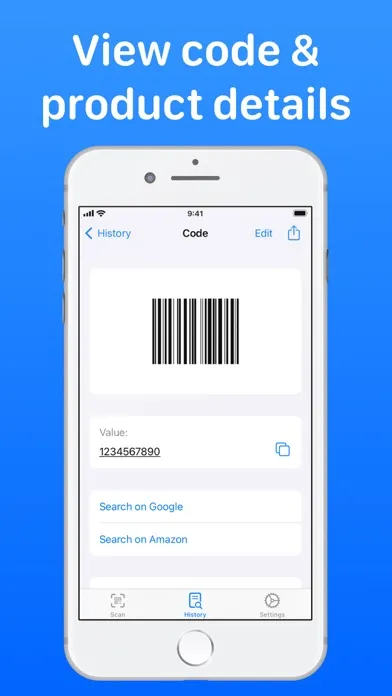
Create your own QR codes and barcodes, copy or share saved results, and look up product codes with Google and Amazon.
Batch scanning, unlimited scans and access to your complete saved history are included with Code Scanner Pro.
Supported formats include QR, Micro QR, Aztec, Code 39, Code 93, Code 128, Data Matrix, EAN-8, EAN-13, ITF-14, PDF417, Micro PDF417, UPC, Codabar, GS1 DataBar and more.
Built for iPhone and iPad, with Dark Mode, Larger Text, VoiceOver, Voice Control, Reduced Motion and haptic feedback. A focused native experience without annoying ads.
Get help using the app, report a problem or share feedback.